Features
- Scrolling news headlines for up to 50 US stocks and ETFs
- 1 to 10 headlines per symbol, newest first, with duplicate stories removed
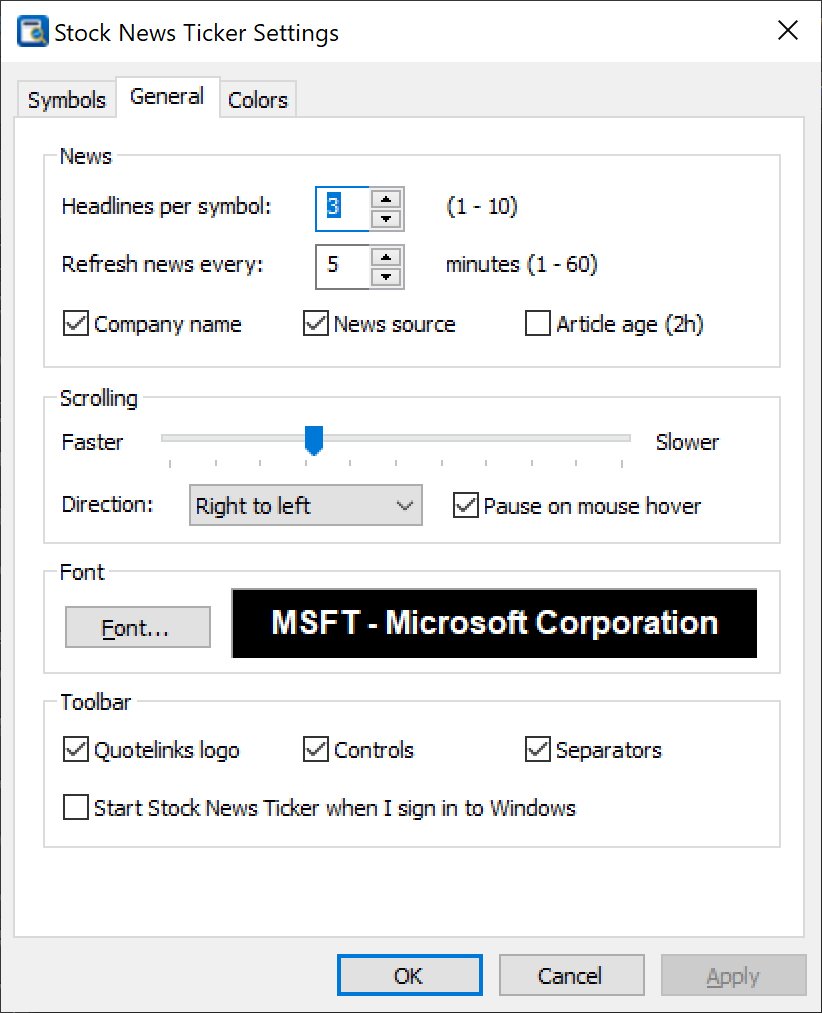
- Automatic news refresh every 1–60 minutes (5 minutes by default)
- Click a headline to open the article; click a symbol for its Quotelinks stock page
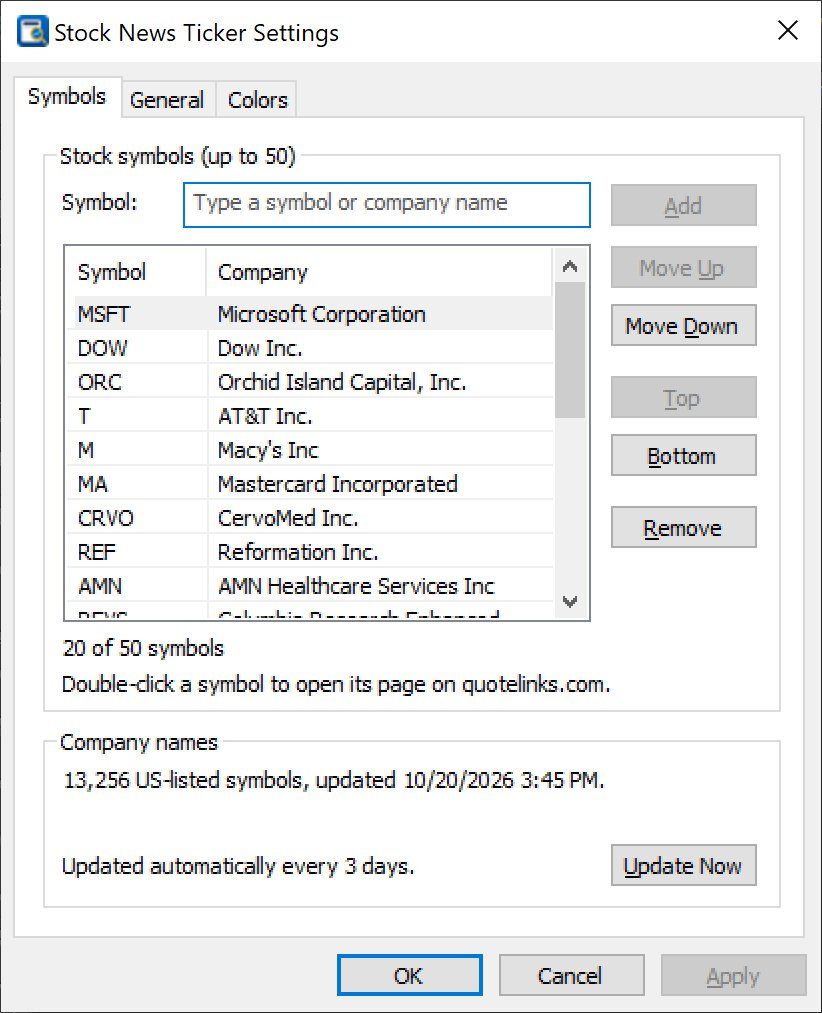
- Symbol lookup with autocomplete by ticker or company name for 13,000+ US-listed symbols
- Optional company name, news source and article age
- Scrolling speed and direction, pause on mouse hover, drag the line to scroll by hand
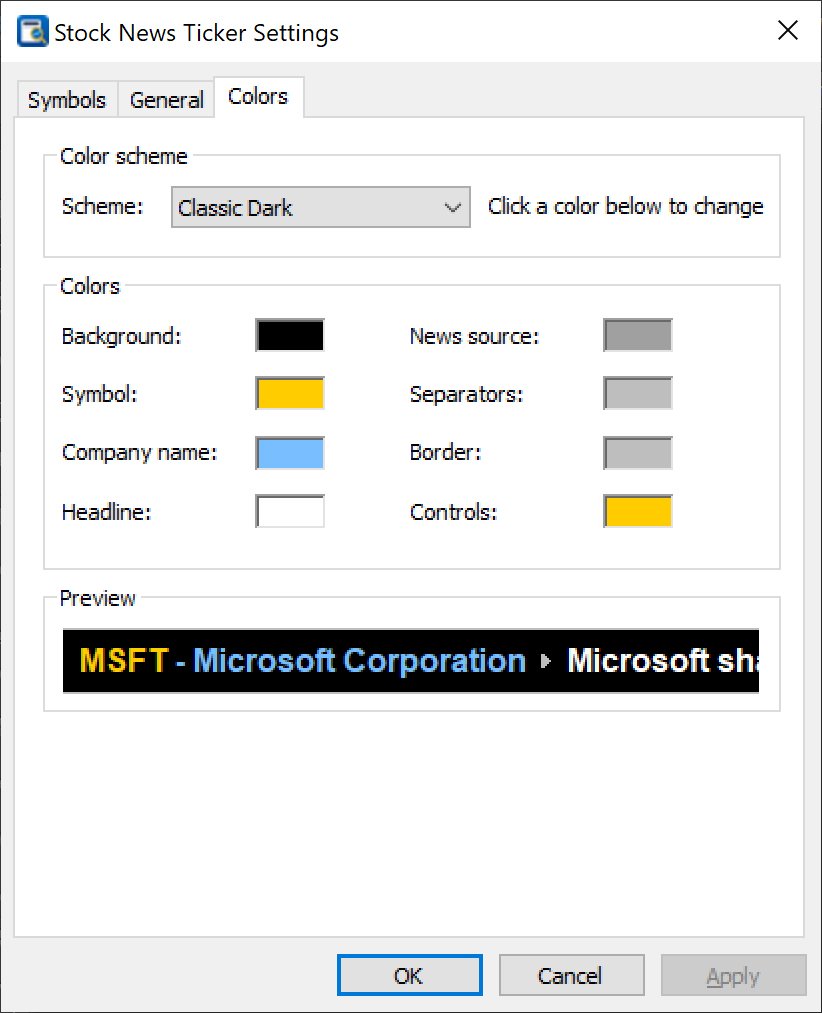
- 8 color schemes plus fully custom colors and any font
- Player-style controls: scroll back, pause, forward, settings, exit
- System tray icon; optional start with Windows
- Small and fast: native Win32 program, no .NET or other runtimes required
Screenshots

How it works
After installation the ticker appears as a thin bar across the top of your screen; other windows open below it, just like the Windows taskbar. Open Settings with the gear button and type a ticker or company name in the Symbol box – matching companies drop down as you type, and Enter adds the selected one. You can also paste a list such as AAPL, NVDA, MSFT.
For every symbol the ticker shows the symbol, the company name and its newest headlines, scrolling continuously. Hover over an item to pause and underline it, click it to open it in your browser, or right-click for more options. The arrow buttons change the scrolling direction (hold for fast scrolling), and the middle button pauses the ticker.
Frequently asked questions
Is Stock News Ticker free?
Yes. Stock News Ticker is freeware: no trial period, no registration, no ads and no account to create.
Which versions of Windows does it run on?
Windows 10 and Windows 11, 32-bit and 64-bit.
How many stocks can I follow?
Up to 50 US stock or ETF symbols, with 1 to 10 headlines per symbol.
How often is the news updated?
Every 5 minutes by default; you can choose any interval from 1 to 60 minutes or update manually from the tray icon.


